
Connected operations · In-house demonstration
ERP System
One workspace for purchasing, inventory, sales and day-to-day financial visibility.
The Business Problem
Disconnected spreadsheets make it difficult to follow a purchase from supplier order to received stock, or a customer order from fulfilment to payment. Teams need consistent records and clear outstanding balances.
The Connected Workflow
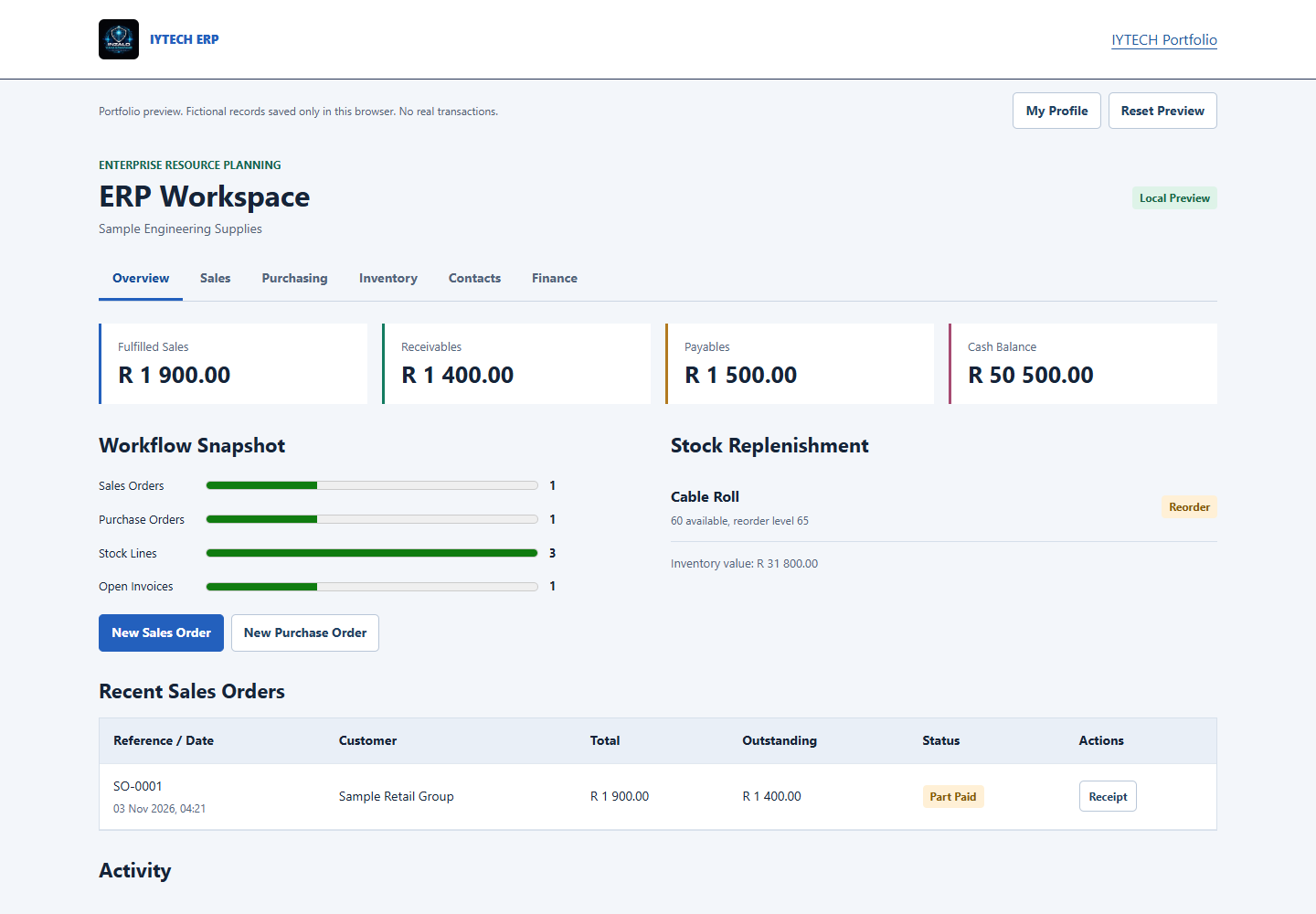
Create a purchase order with multiple product lines, receive goods into inventory and track the supplier payable. Create a sales order, fulfil it against available stock and record a full or partial customer receipt. Stock movements and the sample cashbook update from those actions.
What You Can Explore
- Sales orders, draft cancellation, fulfilment and customer receivables.
- Purchase orders, goods receiving, weighted unit cost and supplier payables.
- Stock locations, reorder levels and adjustments with a recorded reason.
- Clickable customer and supplier records with editable contact details and notes.
- Partial receipts and payments, a cashbook, activity history and CSV exports.
Demonstration Scope
This is an IYTECH in-house portfolio example with fictional records, not a paying-client deployment or evidence of commercial results. Data is saved only in the visitor's browser. No database, bank, payment gateway or email service is connected. The profile is not password-protected authentication.
Production Scope
A production ERP is scoped around your workflows, users, permissions, approvals, secure database, backups and audit requirements. Tax, payroll, statutory accounting, bank feeds and external integrations require their own agreed implementation and review; they are not represented as complete in this preview.
Discuss Your Requirements
Tell us which departments need to share information, the records you already keep and the systems you need to connect.